What accessories are available for the Stack?
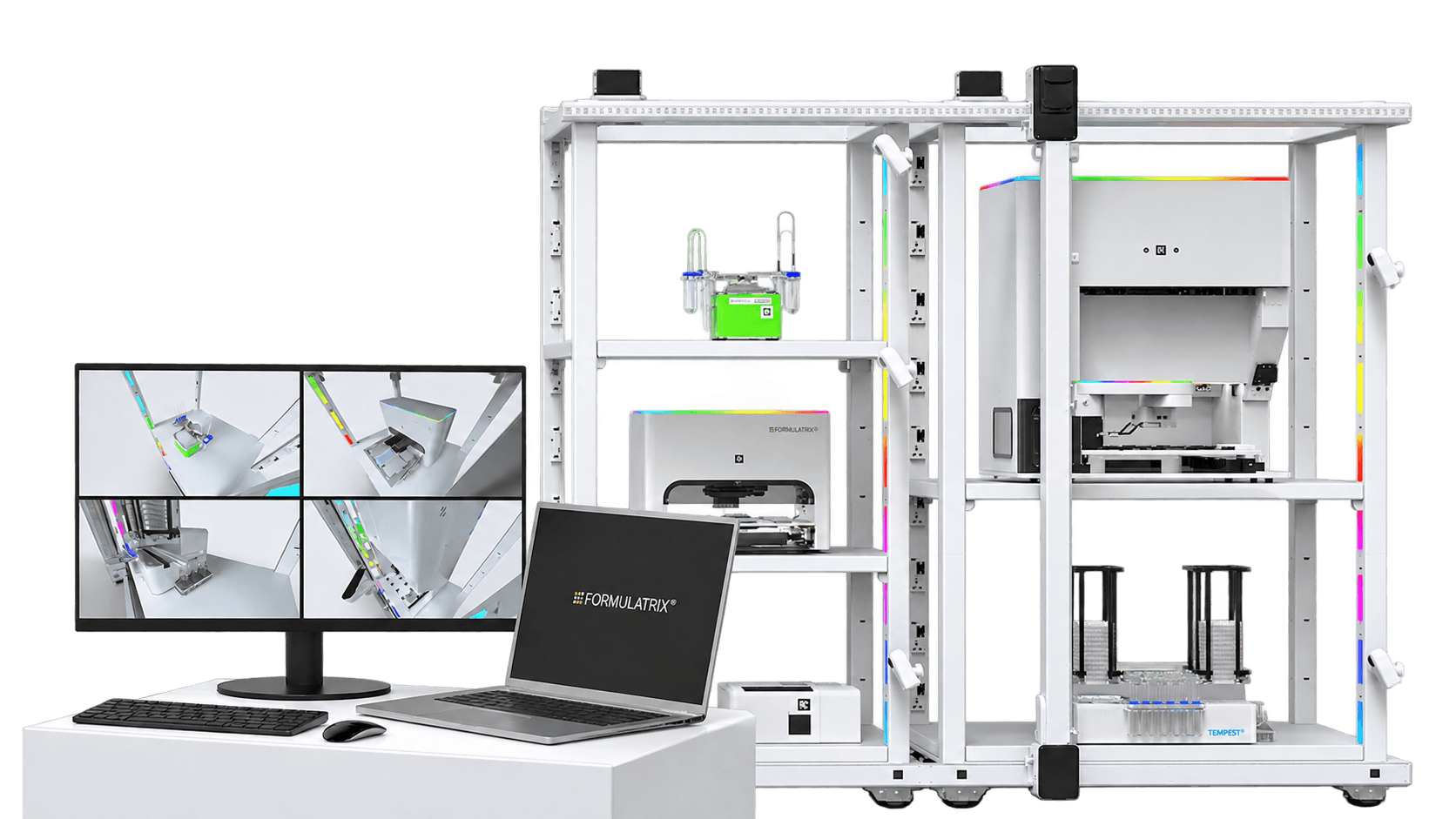
There are three plate nests (Standalone, Rotation, and Recovery) and Stack Monitor, a camera-based system for watching, recording, and reviewing automated runs.
How can I watch my automated lab runs remotely?
Stack Monitor streams live views from every camera to a browser-based dashboard that opens from any computer on the lab's network, so researchers can check on runs from their desk. It records continuously, so footage of every run is there when it's needed.
How do I find out what caused an error in an automated run?
Stack Monitor detects errors on its own and saves clips of what happened. Teams can then replay any camera at any point in the recorded window from a single timeline. It also detects errors on connected instruments by reading their logs.
Does Stack Monitor need an internet connection or cloud storage?
No. Stack Monitor runs on the lab's local network, with no internet or cloud connection, and storage hardware is included.
Which cameras work with Stack Monitor?
Any number of PoE cameras, mounted wherever they’re needed on or around the Stack.
What is a plate nest in lab automation?
A plate nest is a defined position where a robot sets down, stages, or hands off labware between instruments. On the Stack, Smart Alignment keeps every handoff precise without manual retuning.
What happens if a robot grips a plate incorrectly?
An unexpected grip can cause a handoff error at the next instrument. The Recovery Nest's oversized nest re-centers the plate so the robot can grip it properly. This can save time and experiments.
Do Stack plate nests need power?
The Standalone Nest is passive and needs no power or cabling. The Rotation and Recovery Nests run on PoE or external power, communicate over Ethernet, and include an indicator light, a function button, and a built-in Stack marker.